Do I need to write any code?
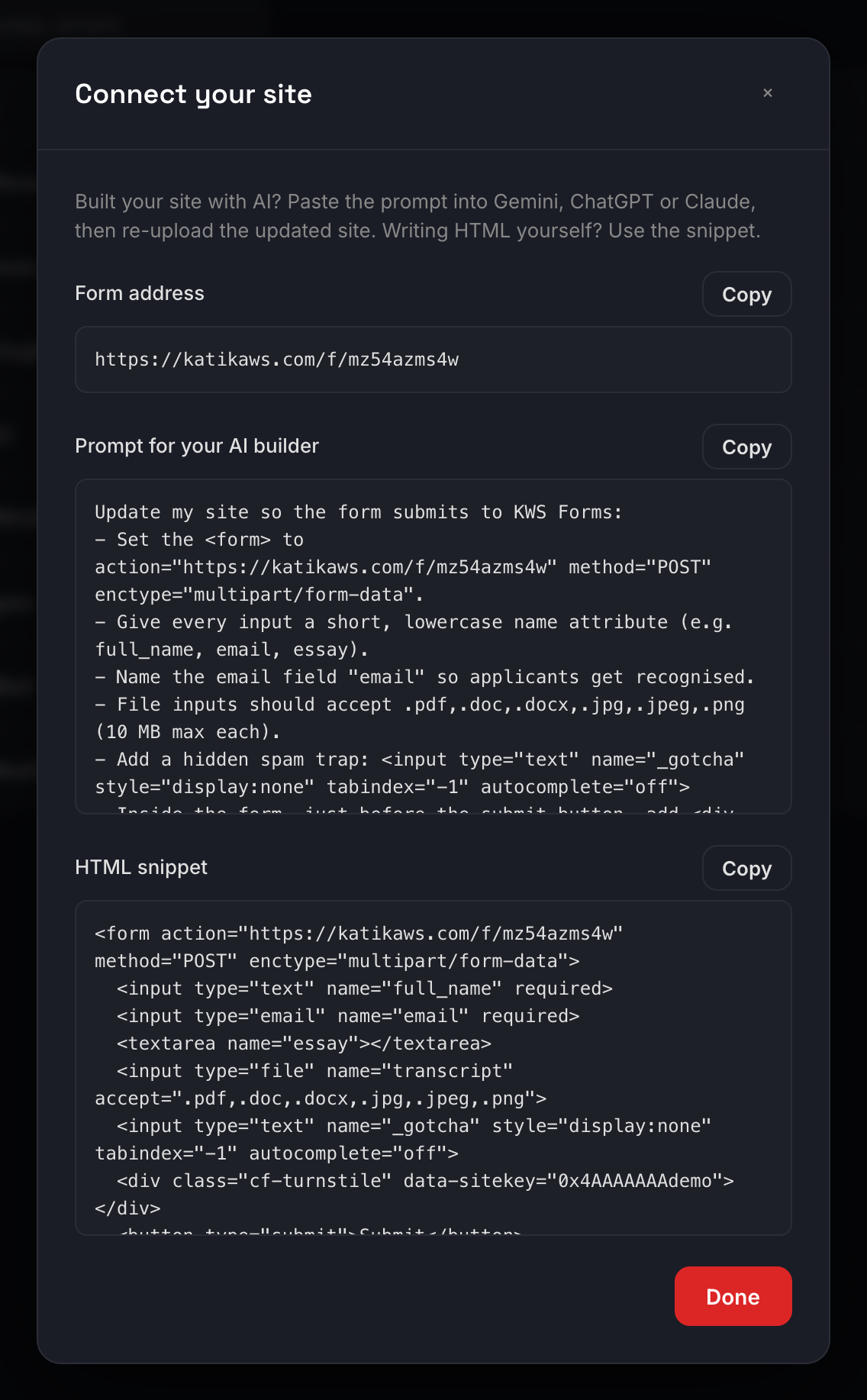
No. KWS Forms gives you a ready-made prompt. Paste it into the AI tool that built your site (ChatGPT, Claude, Gemini and others), upload the updated site, and the form is connected. If you prefer to edit HTML yourself, there is a copy-and-paste snippet too.
How do I know the form is connected?
When you upload your site to KWS, we look for your form and tell you whether it sends to KWS Forms, or whether it still points somewhere else. You can also send yourself a test submission and watch it appear in the dashboard.
Are applicants' answers sent by email?
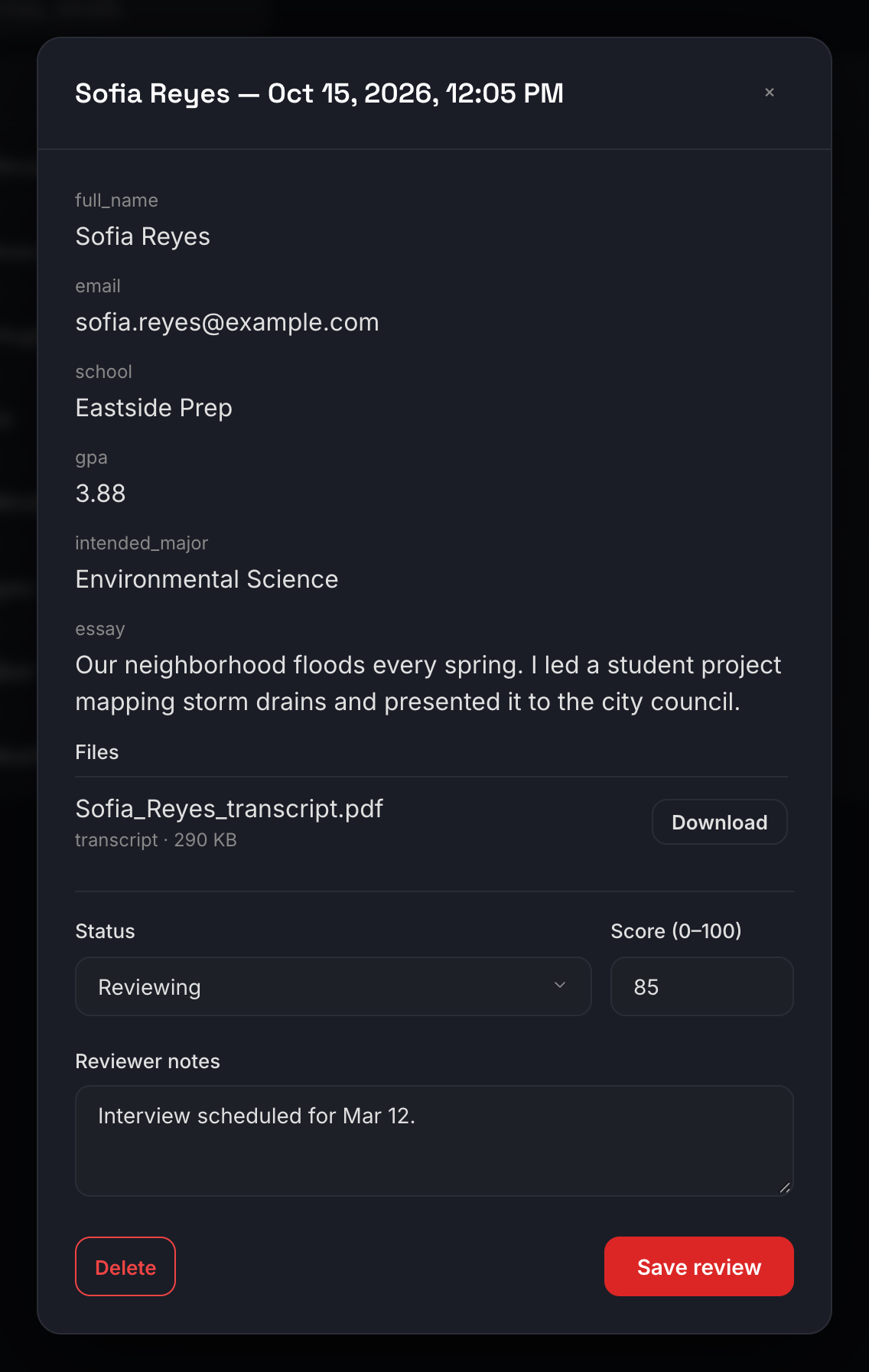
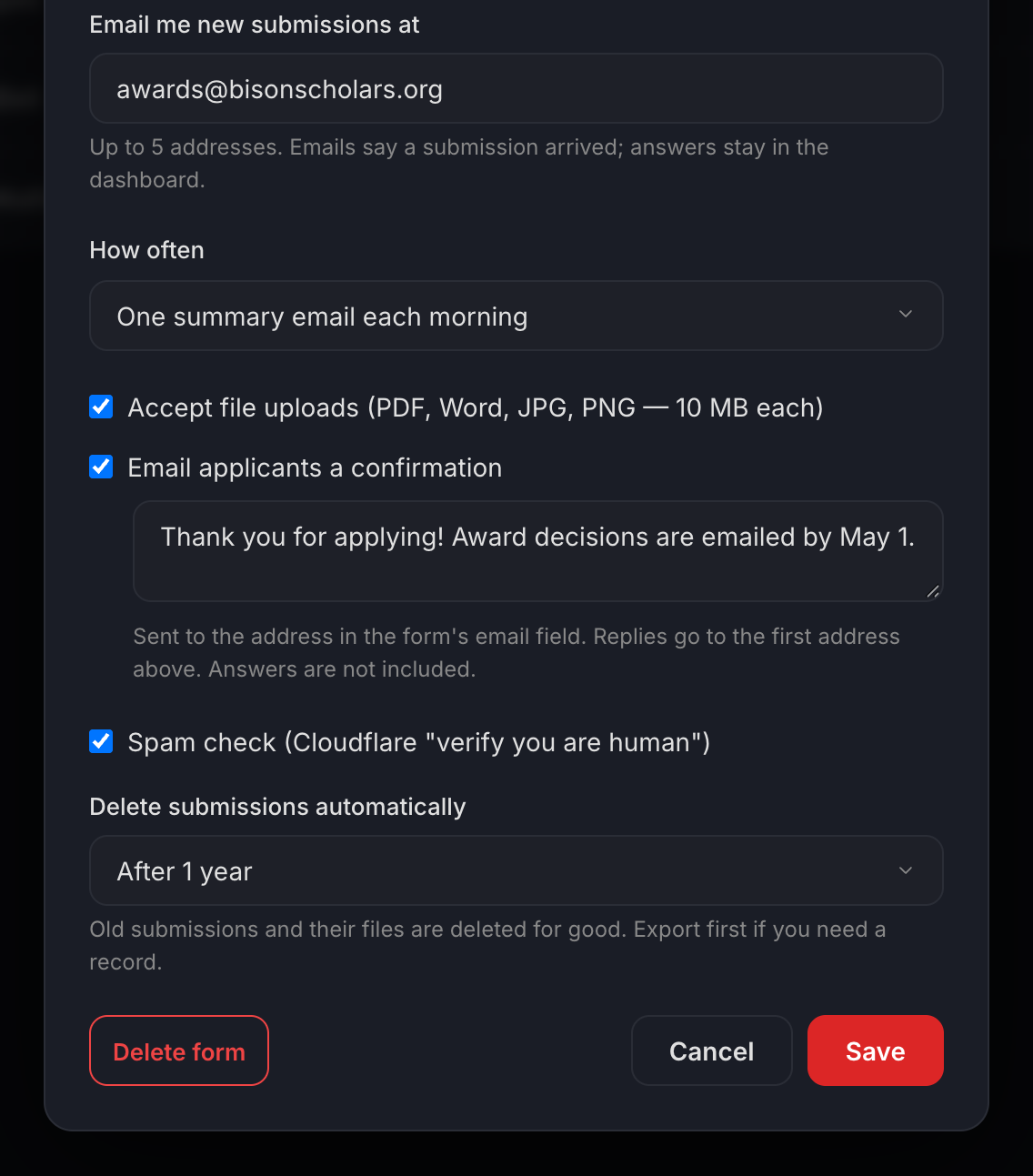
No. Notification emails only say that a submission arrived. Answers and files stay in your dashboard, where only people you invite to the project can see them.
What happens when I reach my monthly limit?
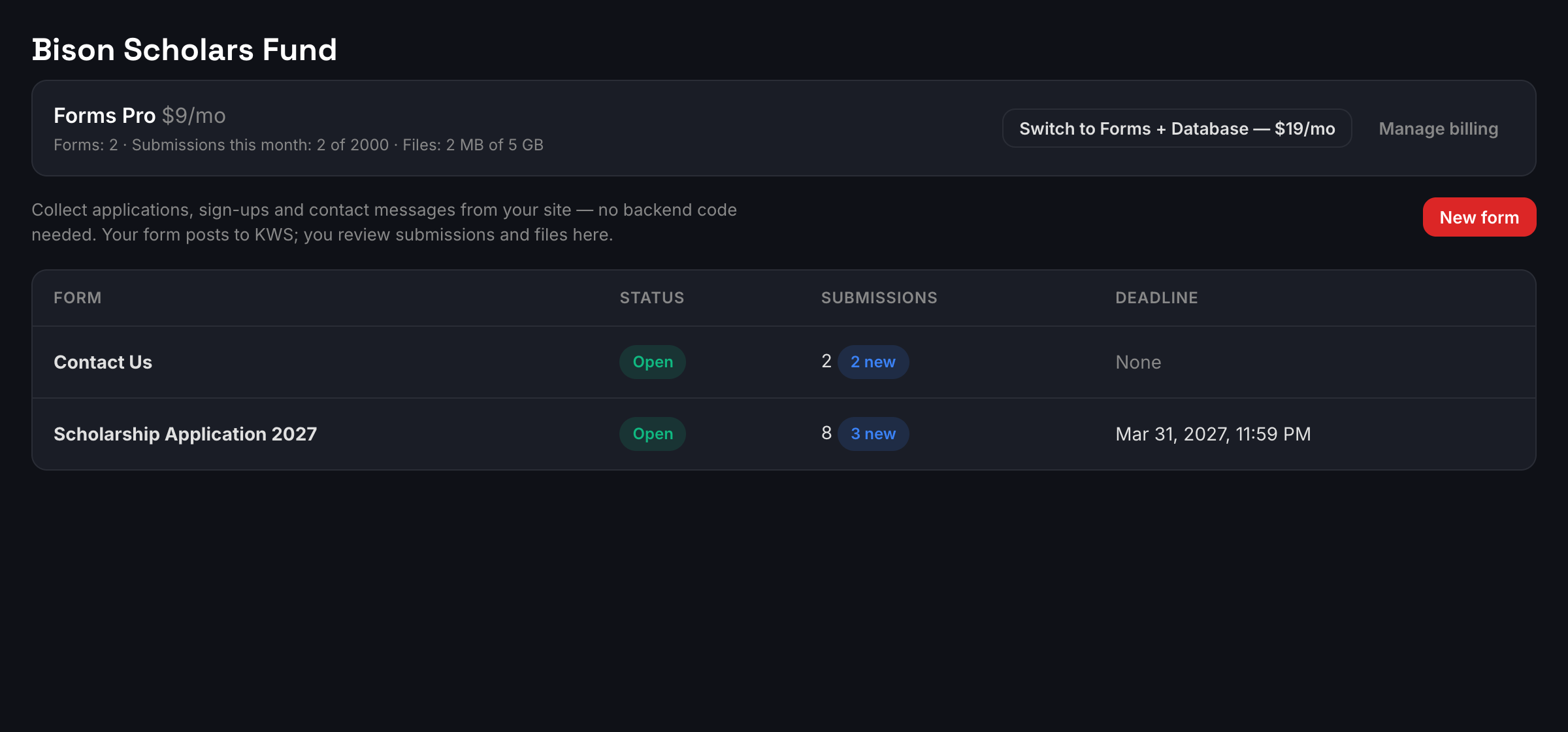
New submissions are refused with a friendly message until the next month or until you upgrade. Nothing you already collected is touched, and you are never billed for overage.
Can I export my submissions?
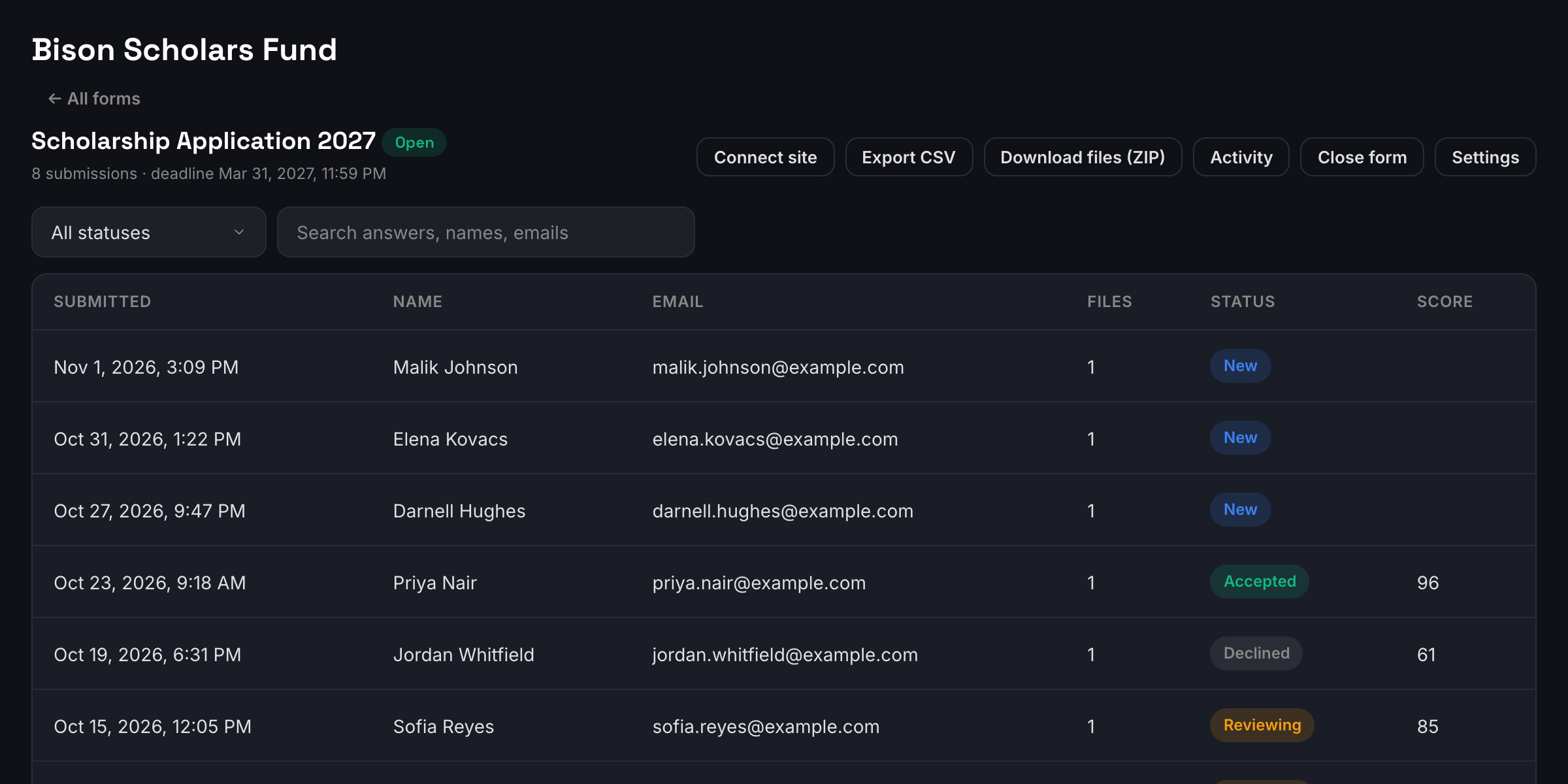
Yes. Every plan can export answers as a CSV spreadsheet. Pro and Forms + Database can also download every uploaded file as a ZIP, with one folder per applicant.
How is spam handled?
Every form has a hidden spam trap and per-visitor rate limits. Paid plans can also turn on Cloudflare's “verify you are human” check. It's available for sites on a katikaws.com address; for a custom domain, contact support.
Where is the data stored, and is it backed up?
On KWS servers in the United States. Each project's submissions live in their own database, snapshotted every night and copied encrypted to off-site storage. You can also set submissions to delete automatically after a period you choose.
Can my team review submissions too?
Yes. Invite people to the project. Editors can change statuses, scores and notes; viewers can read. The activity log records who did what.